

If you’re searching for smarter ways to simplify your routine, organize your space, or tackle home improvements without overwhelm, you’re in the right place. This article is designed to give you practical, easy-to-follow solutions that make everyday living more efficient and less stressful.
From clever storage upgrades to DIY renovation tips and smart living strategies, we focus on actionable advice you can apply immediately. Whether you want to streamline your mornings, optimize small spaces, or make better use of everyday productivity tools, you’ll find guidance tailored to real-life challenges.
Our recommendations are grounded in hands-on testing, practical experience, and insights drawn from home improvement specialists and organization experts. We prioritize solutions that are affordable, realistic, and proven to work in busy households.
By the end of this guide, you’ll have clear, achievable steps to create a more organized, functional, and stress-free living environment—without complicated systems or unnecessary expenses.
Stop Juggling Apps: A Practical Guide to Your Daily Productivity Stack
Your phone shouldn’t feel like a junk drawer stuffed with productivity promises. Yet most of us bounce between to-do lists, calendars, and note apps like we’re spinning plates on a late-night show. More tools, less traction.
This guide is your cleanup crew. After years of hands-on testing and organizing digital spaces, I’ve learned that a productivity stack works best when it functions like a well-designed kitchen: a sharp knife, a sturdy pan, and you’re set (no 47 gadgets required).
You’ll leave with a clear framework and a curated list of tools tailored to your real, daily workflow—not someone else’s highlight reel.
Forgetting tasks isn’t a motivation problem. It’s usually a system problem. When your to-do list lives on sticky notes, random apps, and half-remembered thoughts, your brain becomes the storage unit (and let’s be honest, it’s already full). So let’s clarify the fix: you need the right tool for the right level of work.
The Two-Level Productivity Approach
First, the Daily Driver. This is a simple task manager like Todoist or Things. A task manager is exactly what it sounds like: a tool designed to capture short, actionable items—“call the plumber,” “buy paint,” “submit report.” Its strength is speed. You add tasks quickly, set reminders, and check them off. That’s it. No overthinking. This is ideal for everyday productivity tools that keep your day from slipping through the cracks.
However, some people argue that one powerful app should handle everything. In theory, that sounds efficient. In practice, it often creates clutter. That’s where the Big Picture Planner comes in.
Tools like Notion or Asana are project managers, meaning they organize multi-step efforts with timelines, notes, and collaboration. Think DIY renovation plans, research comparisons, or shared family schedules. Instead of loose tasks, you map phases and resources clearly.
The key takeaway? Use one tool for now (daily actions) and one for later (complex projects). In short, keep today simple—and let bigger plans live where they belong.
Capture Everything: Your Second Brain Builders
Ever had a brilliant idea in the shower… and forgotten it by breakfast? That’s the digital black hole at work. Notes scattered across apps, screenshots buried in camera rolls, web clippings you swear you saved somewhere. The fix isn’t more effort. It’s a better system.
Here’s what I recommend.
-
Choose a frictionless capture tool. Use Evernote or Apple Notes as your quick-drop inbox. The goal is zero resistance. If it takes more than a few seconds to save a thought, you won’t. Install the web clipper. Add the widget to your phone. Treat it like a mental net that catches everything.
-
Build your second brain. For deeper thinking, use Obsidian or Roam Research. A “second brain” is a digital knowledge base where ideas link together, forming a network instead of a pile. Think Wikipedia, but about your life. When you connect a book note to a project plan, insights compound (and yes, it feels a bit like solving a detective board in a crime drama).
-
Organize with intention. Create broad folders—Work, Home, Learning—and use tags for specifics like “recipes” or “Q2 goals.” This works beautifully with everyday productivity tools.
Smart Living Hack: Keep one master tag called “Action.” Review it weekly. Pair saved meal ideas with practical guides like time saving kitchen hacks for busy weekdays to turn inspiration into execution.
Win Back Your Time: Focus and Deep Work Tools
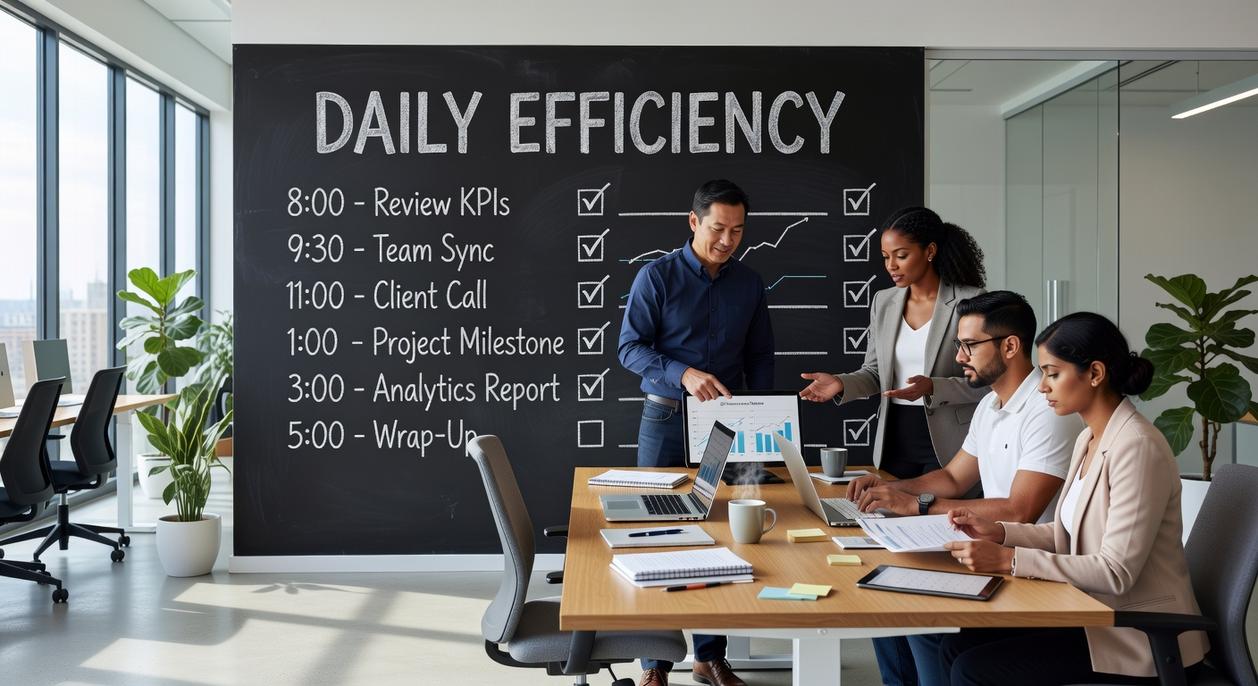
Constant pings, tabs, and “quick checks” are hijacking your brain. Every notification forces a context switch (that mental gear change between tasks), and research shows it can take over 20 minutes to fully refocus after an interruption (University of California, Irvine). No wonder your most important work keeps sliding to tomorrow.
The Time Boxer
Start with the Pomodoro Technique: 25 minutes of focused work, 5 minutes of rest. That’s one sprint. Apps like Forest or Be Focused make it simple. The magic isn’t the timer—it’s the finish line. Your brain loves clear boundaries (think of it like a productivity Netflix episode—you just need to get to the end of one). These short bursts reduce overwhelm and build momentum.
The Distraction Shield
Next, install Freedom or Cold Turkey. Blocking tempting sites ahead of time beats relying on willpower. Willpower is a limited resource; systems are not (American Psychological Association). Proactively removing distractions turns focus into the default.
Actionable Ritual
Create a daily deep work ritual:
- Silence notifications.
- Turn on your blocker.
- Run two Pomodoro sessions.
- Take a real break away from screens.
Do this consistently and you’ll train your focus muscle. Pro tip: Start at the same time each day—consistency wires the habit faster.
Automate the Mundane: Tools That Work While You Rest
Ever feel like your computer has you working as its unpaid intern? Clicking, copying, pasting—again and again. Those repetitive digital tasks quietly eat hours each week (like a raccoon in your productivity trash can).
That’s where automation steps in. Tools like Zapier or IFTTT act as “digital glue,” connecting your apps so they talk to each other automatically. You set the rule once. They handle the busywork forever.
Here are a few easy automation recipes:
• Automatically create a task in Todoist when you save an article to read later.
• Log completed Pomodoro sessions into a Google Sheet for effortless tracking.
• Save email attachments directly to cloud storage without lifting a finger.
Some argue setup takes too long. Fair. But most automations take under 10 minutes to build—and can save hours each month. That’s a trade worth making.
Pro tip: Start with one annoying task you repeat weekly. Automate that first.
Because honestly, if robots can vacuum your floor, they can handle your inbox too.
Now you have a curated toolkit for capturing, organizing, executing, and focusing. The real win? Clarity. Instead of drowning in options, you can build a system that actually fits your life. Remember the frustration of app overwhelm and scattered to-do lists? That chaos fades when your tools work together.
The benefit isn’t finding the “perfect” app. It’s creating flow.
- Pick one problem that slows you down daily.
- Choose one tool to fix it.
- Test and refine for a week.
Start simple—even with Google Calendar, Trello, and Notion—and optimize from there. Small wins compound fast over time consistently.
Make Your Home Work Smarter, Not Harder
You came here looking for practical ways to simplify your space, streamline your routines, and make home life feel less overwhelming. Now you have clear, actionable strategies to organize smarter, tackle DIY upgrades with confidence, and use everyday productivity tools to make each day run more smoothly.
The frustration of clutter, unfinished projects, and wasted time adds up quickly. When your home isn’t working for you, everything feels harder than it should. The good news? Small, intentional changes create lasting results.
Start by choosing one space to reset this week. Apply the organization tips you’ve learned. Test one new system. Commit to a quick win today.
If you’re ready to eliminate chaos, save time, and build a home that supports your lifestyle, dive into more of our proven home solutions and smart living strategies. Thousands rely on these practical, results-driven tips to transform their spaces—now it’s your turn. Start your next upgrade today.
 Head of Content & Lifestyle Strategist
Ask Williamen Glaseroller how they got into home solutions and fixes and you'll probably get a longer answer than you expected. The short version: Williamen started doing it, got genuinely hooked, and at some point realized they had accumulated enough hard-won knowledge that it would be a waste not to share it. So they started writing.
What makes Williamen worth reading is that they skips the obvious stuff. Nobody needs another surface-level take on Home Solutions and Fixes, Smart Living Hacks, Lifestyle Organization Strategies. What readers actually want is the nuance — the part that only becomes clear after you've made a few mistakes and figured out why. That's the territory Williamen operates in. The writing is direct, occasionally blunt, and always built around what's actually true rather than what sounds good in an article. They has little patience for filler, which means they's pieces tend to be denser with real information than the average post on the same subject.
Williamen doesn't write to impress anyone. They writes because they has things to say that they genuinely thinks people should hear. That motivation — basic as it sounds — produces something noticeably different from content written for clicks or word count. Readers pick up on it. The comments on Williamen's work tend to reflect that.
Head of Content & Lifestyle Strategist
Ask Williamen Glaseroller how they got into home solutions and fixes and you'll probably get a longer answer than you expected. The short version: Williamen started doing it, got genuinely hooked, and at some point realized they had accumulated enough hard-won knowledge that it would be a waste not to share it. So they started writing.
What makes Williamen worth reading is that they skips the obvious stuff. Nobody needs another surface-level take on Home Solutions and Fixes, Smart Living Hacks, Lifestyle Organization Strategies. What readers actually want is the nuance — the part that only becomes clear after you've made a few mistakes and figured out why. That's the territory Williamen operates in. The writing is direct, occasionally blunt, and always built around what's actually true rather than what sounds good in an article. They has little patience for filler, which means they's pieces tend to be denser with real information than the average post on the same subject.
Williamen doesn't write to impress anyone. They writes because they has things to say that they genuinely thinks people should hear. That motivation — basic as it sounds — produces something noticeably different from content written for clicks or word count. Readers pick up on it. The comments on Williamen's work tend to reflect that.