
Smart homes promise convenience, security, and efficiency—but getting started can feel overwhelming. With countless devices, competing platforms, and technical jargon, it’s easy to lose sight of what really matters. This guide simplifies the home automation basics so you can understand how everything fits together. We’ll break down core components, communication methods, and the logic behind automation in clear, practical terms. By the end, you won’t just know what smart devices do—you’ll understand how they work together to create a seamless system, giving you the confidence to design a setup that truly enhances your daily life.
The Anatomy of a Smart Home: Sensors, Controllers, and Actuators
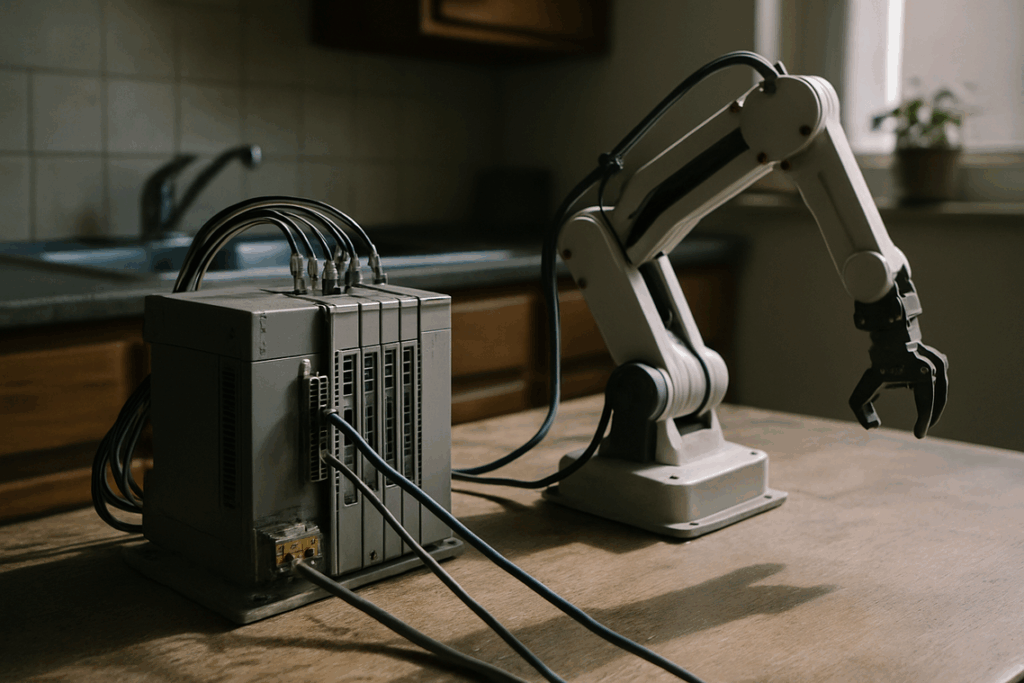
Understanding home automation basics starts with three core parts: sensors, controllers, and actuators. Think of them as the senses, brain, and muscles of your home.
Sensors (The Senses)
Sensors gather data. They detect changes in the environment and report back.
- Motion sensors detect movement in a hallway.
- Door/window sensors tell you if an entry point is open or closed.
- Temperature sensors monitor indoor climate.
If your porch light turns on when you arrive at night, a motion sensor likely triggered it. Simple input, useful result.
Controllers (The Brain)
The controller is the decision-maker. It receives sensor data and applies rules like, “If motion after 10 p.m., turn on lights.”
It can take several forms:
- A dedicated hub (SmartThings or Hubitat)
- A smart speaker (Amazon Echo)
- A smartphone app
Some argue hubs are unnecessary if Wi-Fi devices work independently. That’s true for basic setups. But centralized control often means better reliability and automation depth.
Actuators (The Muscles)
Actuators perform the action.
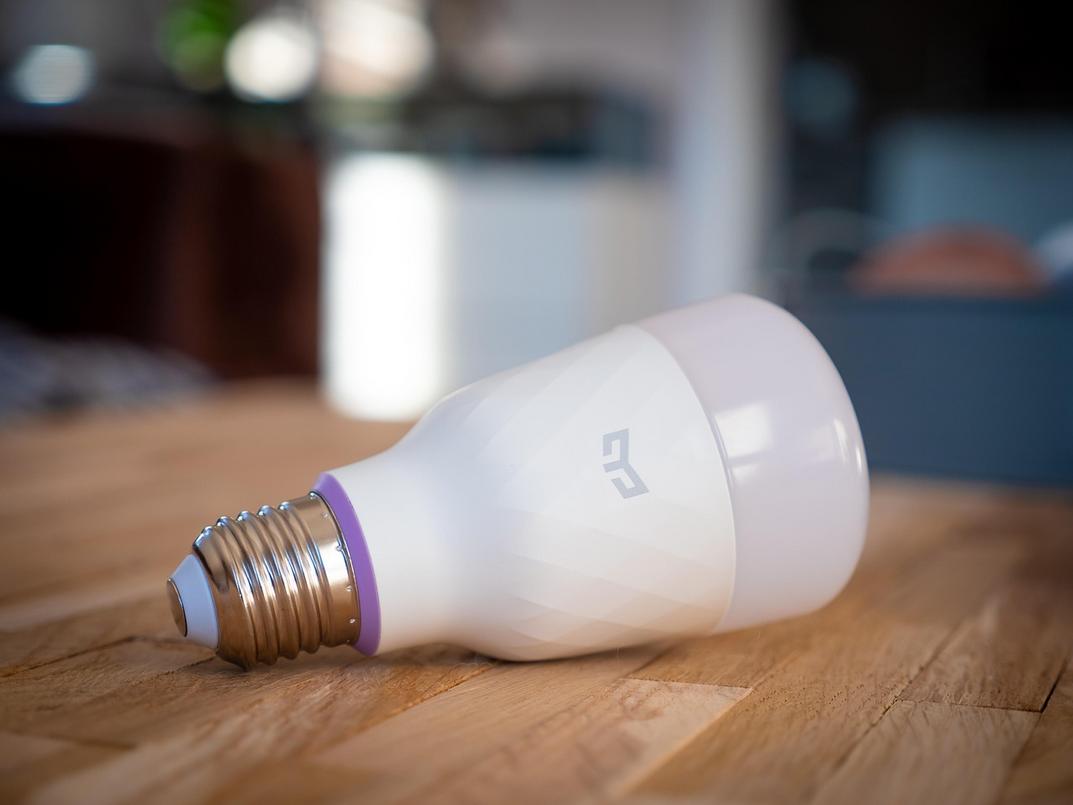
- Smart bulbs illuminate rooms
- Smart locks secure doors
- Thermostats adjust temperature
- Smart plugs power devices
When these three components work together, your home doesn’t just respond—it anticipates (and that’s when it feels futuristic).
The Language of Smart Devices: Understanding Wi-Fi, Zigbee, and Z-Wave
The Need for a Common Language
For smart devices to cooperate, they must speak the same “language,” known as a communication protocol—a set of rules that lets gadgets send and receive information. Without it, your smart bulb and motion sensor are basically strangers at a party (awkward and unhelpful). Understanding this is one of the core home automation basics that saves you time, money, and frustration.
Wi-Fi: Fast but Power-Hungry
Wi-Fi offers high bandwidth, meaning it can handle large amounts of data quickly. That’s perfect for cameras streaming HD video or smart speakers playing Spotify. It also connects through your existing router—no extra hub required.
But there’s a tradeoff. Wi-Fi devices consume more power and can crowd your network (especially if your home already runs on Zoom calls and Netflix marathons). Best for always-plugged-in devices needing constant connectivity.
Zigbee & Z-Wave: The Low-Power Team Players
Zigbee and Z-Wave use mesh networks. In a mesh network, each device relays signals to others, strengthening coverage and creating a self-healing system if one device fails. The big win? Incredible energy efficiency.
- Ideal for battery-powered sensors like door or motion detectors.
They typically require a hub to translate signals to Wi-Fi, but the payoff is longer battery life and greater reliability.
Bluetooth Low Energy (BLE)
BLE focuses on short-range, low-power communication. It’s often used during setup or for devices like smart trackers that connect directly to your phone. Simple, efficient, and practical.
The Future Is Matter
Matter is a universal standard designed to unify devices across brands. The benefit? Easier setup, smoother compatibility, and fewer “why won’t this connect?” moments. In short, smarter living with less guesswork.
Bringing It All Together: How Scenes and Routines Create True Automation
Most people think a smart home just means controlling lights from their phone. That’s convenient—but it’s not true automation. Real magic happens when your home reacts on its own (like it knows your routine better than you do).
At the heart of this is IFTTT logic, which stands for If This, Then That. It’s a simple rule system: when one thing happens, another thing automatically follows.
Triggers (The “If”) are the starting events. A trigger could be: If it’s 7 AM, If motion is detected in the kitchen, or If my phone leaves the house. Think of a trigger as the domino that tips the rest.
Actions (The “Then”) are what happen next. For example: then start the coffee maker, then turn on the lights, or then lock the door and set the thermostat to Away mode.
Here’s a real-world example: a “Movie Night” scene. Press one button or say a voice command. Instantly, the lights dim to 10%, accent lights glow blue, the TV turns on, and the blinds close. (Cue the dramatic soundtrack.)
Some argue this is overcomplicated. But once you understand home automation basics, it’s surprisingly simple—and even affordable with these budget friendly smart home upgrades anyone can try.
Building a Smarter Home: Core Principles for Success
A smarter home shouldn’t feel like a science experiment gone wrong. It should solve real problems, not create new ones. Here’s what I recommend.
1. Start by Solving a Problem
Before buying anything, identify one daily annoyance. Forget flashy ads. Ask: What actually frustrates me? Maybe it’s wondering if the garage door is open or fumbling for light switches at night. Solve that first. When you focus on practical home automation basics, your setup feels useful from day one (and not like an expensive hobby).
2. Prioritize Interoperability
Choose devices that clearly state compatibility—look for “Works with…” labels or the Matter logo. I strongly recommend sticking to ecosystems that play well together. Mixing random brands without checking compatibility is how smart homes turn “dumb.”
- Pro tip: Check for firmware update support before buying.
3. Focus on Reliability
Go with well-reviewed, established brands. A boring device that works every time beats a flashy one that crashes.
4. Secure Your Network
Use strong passwords and enable two-factor authentication. Convenience should never outrank security.
Your Next Step Into a More Connected Home
You came here to make sense of smart living—and now you have. What once felt overwhelming is clearer because you understand the home automation basics: sensors, controllers, and actuators working together through a shared protocol. The complexity that used to stop you is no longer a barrier.
Now it’s time to act. Think of one daily frustration—a light left on, a room too cold, a package left unnoticed. Identify a simple sensor-and-actuator setup that solves it. Start small, apply what you’ve learned, and build from there. A smarter, more connected home begins with one confident step this week.
 Head of Content & Lifestyle Strategist
Ask Williamen Glaseroller how they got into home solutions and fixes and you'll probably get a longer answer than you expected. The short version: Williamen started doing it, got genuinely hooked, and at some point realized they had accumulated enough hard-won knowledge that it would be a waste not to share it. So they started writing.
What makes Williamen worth reading is that they skips the obvious stuff. Nobody needs another surface-level take on Home Solutions and Fixes, Smart Living Hacks, Lifestyle Organization Strategies. What readers actually want is the nuance — the part that only becomes clear after you've made a few mistakes and figured out why. That's the territory Williamen operates in. The writing is direct, occasionally blunt, and always built around what's actually true rather than what sounds good in an article. They has little patience for filler, which means they's pieces tend to be denser with real information than the average post on the same subject.
Williamen doesn't write to impress anyone. They writes because they has things to say that they genuinely thinks people should hear. That motivation — basic as it sounds — produces something noticeably different from content written for clicks or word count. Readers pick up on it. The comments on Williamen's work tend to reflect that.
Head of Content & Lifestyle Strategist
Ask Williamen Glaseroller how they got into home solutions and fixes and you'll probably get a longer answer than you expected. The short version: Williamen started doing it, got genuinely hooked, and at some point realized they had accumulated enough hard-won knowledge that it would be a waste not to share it. So they started writing.
What makes Williamen worth reading is that they skips the obvious stuff. Nobody needs another surface-level take on Home Solutions and Fixes, Smart Living Hacks, Lifestyle Organization Strategies. What readers actually want is the nuance — the part that only becomes clear after you've made a few mistakes and figured out why. That's the territory Williamen operates in. The writing is direct, occasionally blunt, and always built around what's actually true rather than what sounds good in an article. They has little patience for filler, which means they's pieces tend to be denser with real information than the average post on the same subject.
Williamen doesn't write to impress anyone. They writes because they has things to say that they genuinely thinks people should hear. That motivation — basic as it sounds — produces something noticeably different from content written for clicks or word count. Readers pick up on it. The comments on Williamen's work tend to reflect that.